Quick Answer
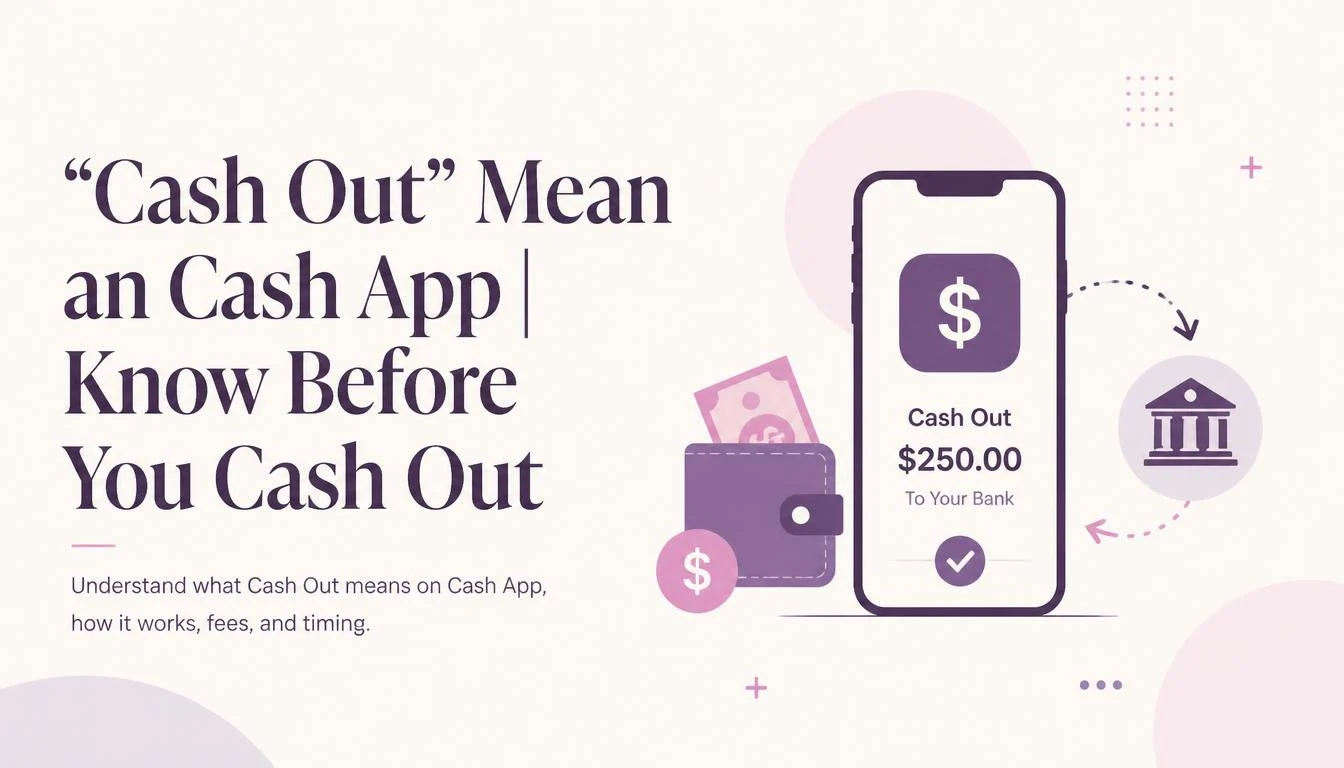
“Cash Out” Mean on Cash App refers to transferring money from your Cash App balance to your linked bank account or debit card. You can choose the standard transfer option or, when available, an instant transfer for a fee.
If you’re wondering what “Cash Out” Mean on Cash App, it simply means moving money from your Cash App balance to your bank account or eligible debit card. It’s the option you use when you want to take your Cash App funds out of the app.
Understanding “Cash Out” Mean on Cash App can help you choose the right transfer method and understand possible fees or processing times. In this guide, we’ll explain how Cash Out works and what happens after you select it.
📌 What Does “Cash Out” Mean on Cash App?
To “Cash Out” on Cash App means to transfer the money currently sitting in your Cash App balance to a linked external bank account or debit card. It moves your funds from the digital wallet environment into your traditional banking system, making the money accessible for standard spending, ATM withdrawals, or bill payments through your bank.
When someone says “I’m going to cash out,” they usually mean they are moving their balance from the app to their financial institution.
🧐 The “Cash Out” Process: How It Works
When you receive a payment on Cash App, it goes into your Cash App balance. This is a holding area within the app. You can use this balance to send money to others, spend it using your Cash Card, or buy Bitcoin and stocks.
However, if you want that money to appear in your regular bank account the one you use for daily bills or savings you need to initiate a “Cash Out.”
Think of it this way:
- Cash App is like a digital wallet (a virtual purse).
- Cashing Out is like taking the cash out of that purse and depositing it into your bank vault.
📋 How to Cash Out on Cash App: Step-by-Step Guide
If you’re ready to move your money, the process is incredibly simple. Here’s a walkthrough:
- Open the App: Launch the Cash App on your iPhone or Android.
- Tap the Balance Tab: This is usually the “$” icon in the bottom-left corner of the screen (it looks like a house or bank icon depending on your update).
- Select “Cash Out”: Below your balance, you’ll see the option to “Cash Out.” Tap it.
- Enter the Amount: Type in how much you want to transfer. You can choose a specific amount or tap the balance amount to cash out everything.
- Choose Your Speed: You will be presented with two options: Instant and Standard.
- Confirm: Tap the green “Cash Out” button and confirm with your PIN, Touch ID, or Face ID.
⏱️ Standard vs. Instant: Which One Should You Choose?
This is the most important decision when cashing out. Here’s a breakdown to help you decide:
💡 Pro Tip: If you can wait, always choose the Standard option. It takes a day or two, but you keep every single penny. The Instant option is convenient but can eat into your balance with fees.
📊 Real-World Examples of Cashing Out
Let’s look at a few scenarios where you might cash out:
- Example 1: Paying a Friend Back. Your friend pays you $50 for pizza. You can leave it in Cash App to pay for the next meal, or you can Cash Out to your bank to cover your credit card bill.
- Example 2: Side Hustle Income. You sell a vintage chair on Facebook Marketplace. The buyer sends $200 via Cash App. You immediately Cash Out via the Standard option to your savings account.
- Example 3: Emergency Funds. Your car needs a tow. You have $100 in Cash App, but your bank is empty. You choose the Instant Transfer option to get the funds to your bank right now so you can pay the tow truck driver.
🆚 “Cash Out” vs. “Send a Payment”
Many people confuse these two, but they are different actions:
- Cashing Out: Moving money from Cash App to your external bank account.
- Sending a Payment: Moving money from your Cash App balance (or linked card) to another Cash App user.
In short: Cashing out is for you (to your bank). Sending is for others.
⚠️ Alternative Meanings (Just in Case)
While the definition above is the primary meaning on the app, you might hear “cash out” in other contexts:
- Selling Stocks: On Cash App, if you sell stocks or Bitcoin, the funds are initially “cashed out” to your Cash App balance. You then need to “Cash Out” again to send to your bank.
- Closing an Account: If you want to delete your Cash App account, you must first Cash Out your balance to zero.
- At an ATM: Using your Cash Card to withdraw physical money from an ATM is also informally called cashing out.
🛠️ Polite Alternatives to “Cash Out”
If you are speaking professionally or in customer service, using the term “Cash Out” might feel too casual. Here are polite alternatives:
- Transfer funds (e.g., “You can transfer funds to your linked bank.”)
- Withdraw funds (e.g., “Please withdraw your balance to your external account.”)
- Deposit to bank (e.g., “You may deposit these funds to your checking account.”)
- Move to your account (e.g., “You can move this money to your primary savings account.”)
FAQs
Here are the 8 most common questions users have about cashing out on Cash App:
1. Why is my Cash App “Cash Out” not working?
Answer: This usually happens due to a poor internet connection, an outdated app version, or if your linked bank account has failed verification. Try updating the app or re-linking your bank card. If the issue persists, contact Cash App Support.
2. How long does a Cash Out take?
Answer: It depends on your selection. Standard takes 1-3 business days. Instant takes minutes (but charges a fee). Weekends and bank holidays can delay standard transfers.
3. Is there a fee to Cash Out on Cash App?
Answer: Standard transfers are completely free. Instant transfers incur a fee of 0.5% to 1.75% of the transfer amount (minimum $0.25).
4. Can I Cash Out Bitcoin on Cash App?
Answer: Yes. You must sell your Bitcoin for USD within the app first. Once sold, the USD goes to your Cash App balance, which you can then Cash Out to your bank.
5. Where does my money go when I Cash Out?
Answer: It goes to the external bank account or debit card you have linked to your Cash App. Ensure your routing and account numbers (or card details) are correct.
6. Can I schedule an automatic Cash Out?
Answer: Yes. In the settings menu of the Cash App website, you can toggle on “Auto Cash Out.” This will automatically transfer your balance to your bank on a schedule or when you receive a payment.
7. What happens if I sell stocks? Do I need to Cash Out?
Answer: Yes. When you sell stocks, the money goes to your Cash App Balance, not your bank. You must manually Cash Out to move those funds to your bank account.
8. What is the maximum amount I can Cash Out?
Answer: Limits vary based on verification status. Unverified accounts have lower limits. You can typically send up to $2,500 per week to a bank account. Verify your identity to increase these limits.
🏁 Conclusion:
Understanding what “cash out mean on Cash App” is the first step toward mastering your digital finances. It is simply the bridge between the peer-to-peer world of Cash App and your traditional banking system.
Key Takeaways:
- Always prioritize the Standard (Free) Transfer if you aren’t in a rush.
- Double-check your bank details before confirming to avoid lost funds.
- Keep your app updated to avoid technical glitches.
- Remember to Cash Out your balance before deleting your account.
Whether you are a freelancer getting paid, splitting a restaurant bill, or just managing your allowance, cashing out is your “Get Money Out” button.
Read More Related Articles:
- Mercy Meaning | Powerful Lesson Behind Kindness and Forgiveness In 2026
- Mija Meaning In Spanish | Sweet Nickname You’ll Hear Everywhere In 2026
- Punta Meaning In Spanish | From Literal Meaning to Everyday Usage In 2026











1 thought on ““Cash Out” Mean on Cash App | Know Before You Cash Out In 2026”